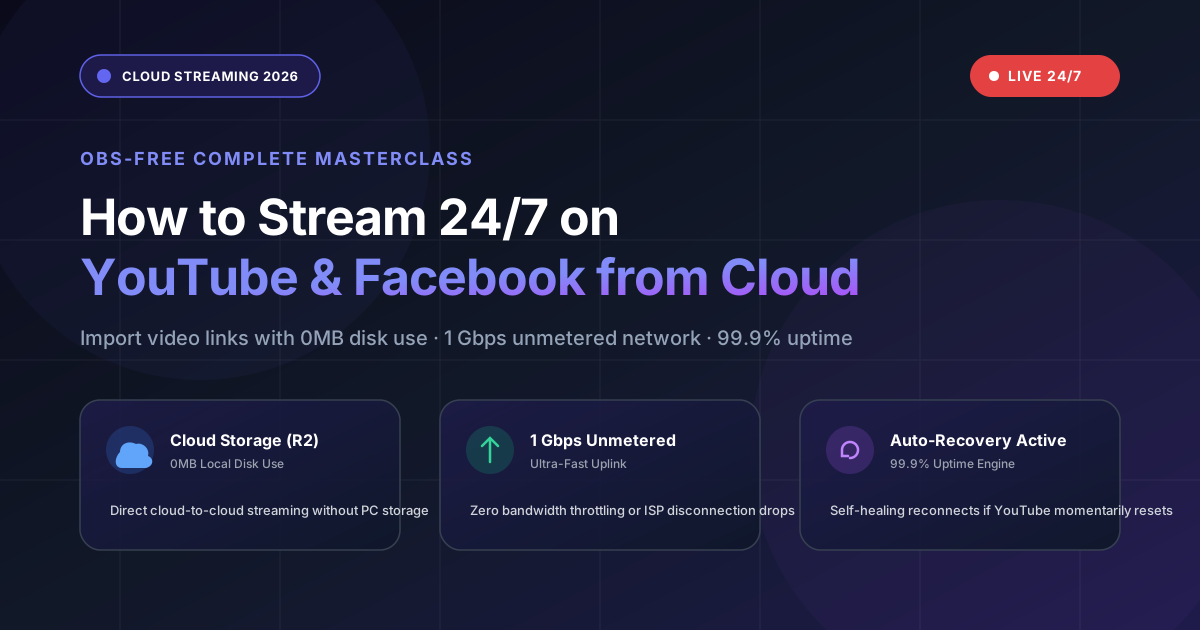
StreamYard has been one of the most popular browser-based live streaming studios since 2020. It’s loved by podcasters, interview hosts, and corporate webinar teams for its simple in-browser multi-guest layout. But in 2026, a rapidly growing segment of creators need something StreamYard was never designed to do: broadcast pre-recorded videos on a non-stop 24/7 loop to YouTube, Facebook, Kick, and Twitch — without keeping any computer, browser tab, or phone screen running.
If you’ve ever tried running a 24/7 looping live stream on StreamYard, you already know the pain: the browser tab must stay open, the stream cuts off after a few hours if your machine sleeps, and their On-Air / Pre-recorded feature starts at $49/month with strict time limits. For creators running religious channels, lo-fi music radios, gaming replay marathons, or news playout automation, this simply doesn’t work.
In this in-depth comparison, we’ll break down exactly where StreamYard excels, where it falls short, and why AlwaysLive24 has emerged as the go-to cloud streaming platform for true 24/7 automated broadcasting at a fraction of the cost.
📊 StreamYard vs AlwaysLive24: Feature-by-Feature Comparison
| Feature | StreamYard | AlwaysLive24 |
|---|---|---|
| True 24/7 Non-Stop Looping | ❌ Not Supported | ✅ Unlimited Infinite Loop |
| Pre-Recorded Video Broadcast | ⚠️ $49/mo plan only, time-limited | ✅ All plans, unlimited duration |
| Browser / PC Required? | ❌ Browser tab must stay open | ✅ Fully cloud-powered, shut down PC |
| Multi-Platform Simulcast | ✅ Up to 8 destinations ($49/mo) | ✅ Unlimited RTMP destinations |
| Starting Price | $25/month (Basic) | ₹49 / $1.99 (1-Day Pass) |
| Monthly Pro Plan | $49/month (Professional) | ₹149 / $9.99/month (Creator Pro) |
| Auto-Recovery on Disconnect | ❌ Stream dies if browser closes | ✅ Auto-reconnect in 2 seconds |
| Vertical (9:16) Shorts / Reels | ❌ Landscape only | ✅ Native vertical broadcast |
| Custom Watermark / Logo Overlay | ⚠️ $49/mo plan only | ✅ All Pro plans, drag & drop |
| Live Guest Interviews | ✅ Excellent (Core Strength) | — Not applicable (pre-recorded focus) |
| DJ Playlist / Lo-Fi Radio Mode | ❌ No playlist engine | ✅ Built-in multi-track DJ engine |
| Kick.com Support | ❌ Not supported | ✅ Full RTMPS support |
| Google Drive / Cloud URL Ingest | ❌ Local upload only | ✅ Direct link paste, 0 disk usage |
🎙️ When StreamYard Is the Better Choice
Let’s be fair — StreamYard is genuinely excellent at what it was designed for:
- Live interviews & multi-guest panels: StreamYard’s browser-based studio lets you invite up to 10 guests via a simple link. No software installation required for guests.
- Corporate webinars & product demos: Screen sharing, branded overlays, and real-time comments display make it ideal for professional presentations.
- One-time live events: If you’re going live for 1–3 hours with live interaction, StreamYard’s UX is polished and reliable.
However, if your goal is automated 24/7 broadcasting — running pre-recorded video loops, music radio stations, or continuous content playout while your computer is completely off — StreamYard hits a hard wall.
🚀 When AlwaysLive24 Is the Clear Winner
- 24/7 Non-Stop Video Loops: Religious channels, meditation streams, ambient nature feeds, and lo-fi music radios that need to run indefinitely without any human intervention.
- YouTube Watch Hour Farming: Accumulate 168 hours of watch time per week per stream slot towards YouTube Partner Program (YPP) monetization eligibility.
- Kick.com 24/7 Streaming: Take advantage of Kick’s 95/5 revenue split by running non-stop content in trending categories while you sleep.
- Gaming Replay & Compilation Channels: Stream GTA, Minecraft, or sports highlight compilations on loop to build a passive audience.
- Multi-Platform Simultaneous Broadcast: Stream the same pre-recorded video to YouTube, Facebook, Kick, and any Custom RTMP server at once.
- Zero Hardware Dependency: AlwaysLive24 runs on dedicated European cloud servers with 1 Gbps bandwidth. Your PC, laptop, or phone can be completely powered off.
📱 Real AlwaysLive24 Dashboard — Live Stream Mission Control
Here’s what your live streaming dashboard looks like inside AlwaysLive24. Every stream slot shows real-time health telemetry — including FPS, speed, bitrate, and auto-recovery status — all running 100% in the cloud:
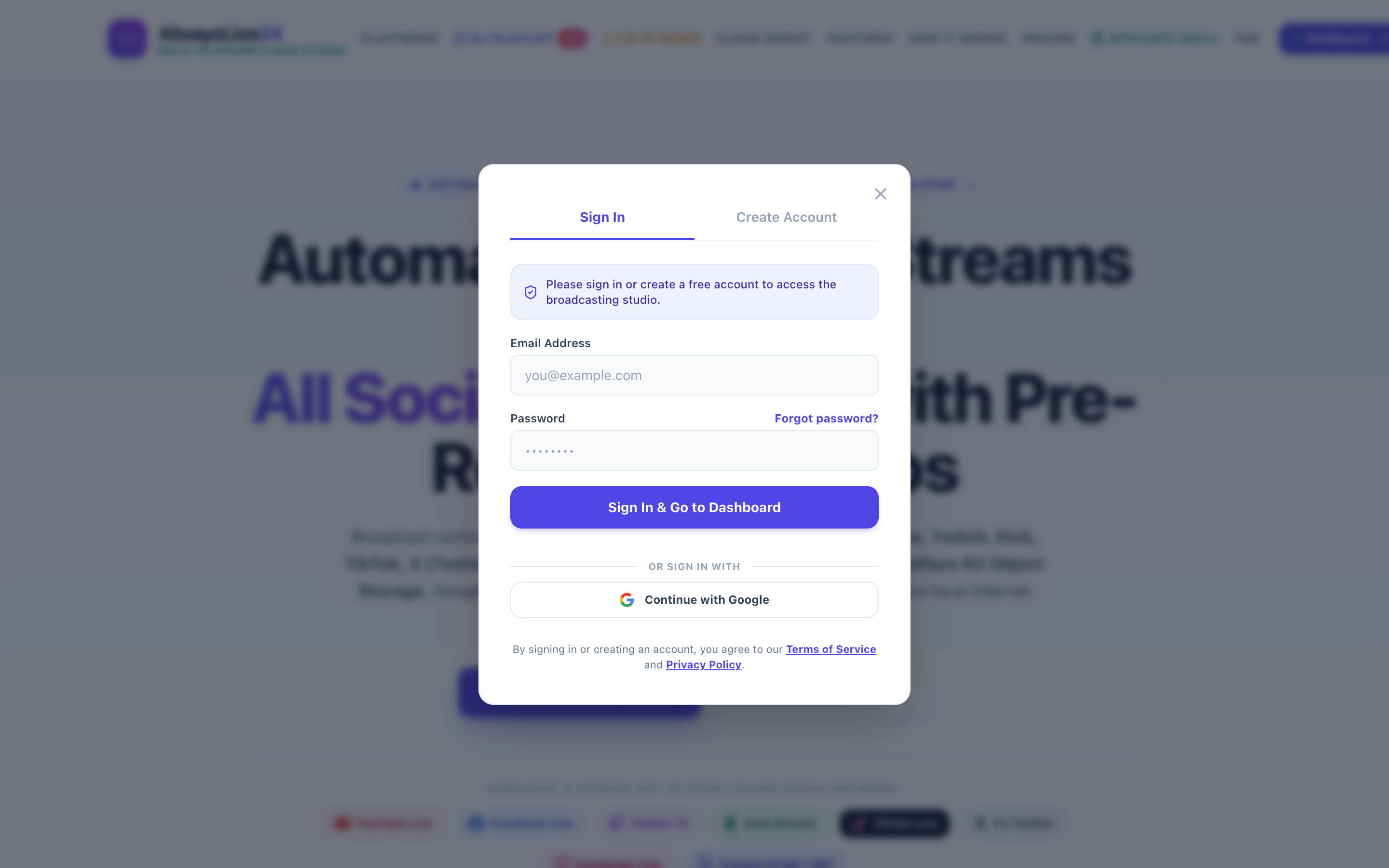
AlwaysLive24 Mission Control — Real-time stream health monitoring with 0% local CPU usage
🎬 One-Click 24/7 Stream Setup — No Coding, No OBS
Setting up a 24/7 loop on AlwaysLive24 takes under 60 seconds. Paste your YouTube/Facebook/Kick stream key, upload or link your video, check the “Loop Stream (24/7 Infinite Loop)” box, and hit Start:
Stream Creation Studio — Paste any video URL, enable 24/7 loop, start broadcasting in seconds
💰 Pricing: StreamYard vs AlwaysLive24 (2026)
This is where the difference becomes impossible to ignore. StreamYard’s pricing structure is designed for live interactive studios, while AlwaysLive24 is engineered specifically for automated cloud broadcasting:
| Plan Tier | StreamYard Price | AlwaysLive24 Price | You Save |
|---|---|---|---|
| Free Starter | Free (20-hour limit, branded) | Free (1 stream, 200MB storage) | — |
| 1-Day Access | Not available | ₹49 / $1.99 | 100% |
| Monthly Pro | $49/month | ₹149 / $9.99/month | 80% cheaper |
| Enterprise / Studio | $99/month (Business) | ₹499 / $29.99/month | 70% cheaper |
💡 Key Takeaway: If you’re paying StreamYard $49/month primarily to broadcast pre-recorded videos, you can get the same result — plus true 24/7 infinite looping, auto-recovery, and multi-platform simulcasting — on AlwaysLive24 Creator Pro for just $9.99/month. That’s a saving of $468 per year.
🔄 How to Switch from StreamYard to AlwaysLive24 (5-Minute Migration)
Create Your Free AlwaysLive24 Account
Visit alwayslive24.com and sign up with email. No credit card required for Free Starter.
Copy Your YouTube / Facebook / Kick Stream Key
Go to your platform’s Live Dashboard, copy the RTMP Server URL and Stream Key. See our YouTube Studio guide for step-by-step instructions.
Upload Your Video or Paste a Direct Link
Upload your MP4 from your PC, or paste a Google Drive / Cloud Storage direct link. For best performance, use standard MP4 (H.264 + AAC) in 1080p or 720p — this enables zero-buffer Direct Remux streaming.
Enable 24/7 Infinite Loop & Hit Start
Check the “Loop Stream (24/7 Infinite Loop)” box, click “Start 24/7 Live Stream”, and you’re broadcasting. Shut down your laptop, go to sleep — the cloud handles everything.
Add More Destinations (Optional)
Want to simulcast to multiple platforms? Add additional RTMP destinations — YouTube + Facebook + Kick all from the same video source.
❓ Frequently Asked Questions
Can I use both StreamYard and AlwaysLive24 together?
Absolutely! Many creators use StreamYard for their weekly live interview shows (where they need multi-guest video calls) and AlwaysLive24 for their 24/7 replay loops that run between episodes. They serve completely different purposes and complement each other perfectly.
Does AlwaysLive24 add watermarks to my stream?
No. All paid plans (including the ₹49 Day Pass) are 100% watermark-free. The Free Starter plan includes a small AlwaysLive24 branding which is removed instantly upon any upgrade.
What happens if YouTube/Facebook disconnects my stream?
AlwaysLive24’s Watchdog Auto-Recovery Engine monitors your stream health every 5 seconds. If a disconnect is detected, it automatically re-establishes the RTMP connection within 2 seconds. StreamYard requires you to manually re-open the browser and restart.
Can I stream vertical (9:16) videos for YouTube Shorts or Instagram?
Yes! AlwaysLive24 has a dedicated Vertical 9:16 Broadcast Mode that automatically formats your video for vertical live streams. StreamYard only supports landscape (16:9) output.
🎥 Watch: How to Start Your First 24/7 Stream on AlwaysLive24
Ready to Stream 24/7 Without Limits?
Join thousands of creators who switched from StreamYard, OneStream, and OBS to AlwaysLive24 for true cloud-powered 24/7 broadcasting. Start free — no credit card required.
🚀 Launch Your Free 24/7 Stream Now