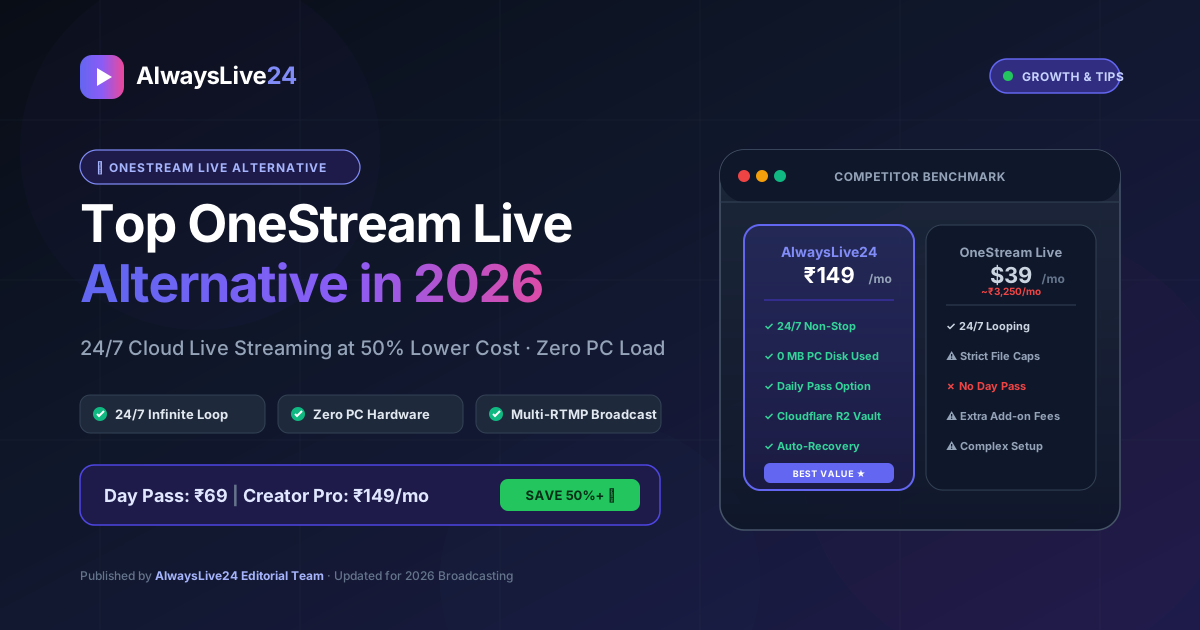
If you are running a continuous YouTube or Facebook broadcast in 2026, you already understand the monumental power of 24/7 cloud live streaming. While OneStream Live was an early pioneer in the pre-recorded broadcasting space, hundreds of creators, digital media agencies, and podcasters are actively searching for a modern OneStream Live alternative.
Between steep monthly subscription tiers ($39 to $89+ per month), strict file size limits, expensive cloud storage add-ons, and complex navigation menus, OneStream has become prohibitively expensive for creators who simply want a dependable, 24 7 live streaming engine that broadcasts seamlessly without keeping their personal PC turned on.
- Why creators are actively migrating away from OneStream Live in 2026.
- Feature-by-feature benchmark: AlwaysLive24 vs. OneStream Live vs. Restream.
- How AlwaysLive24 delivers 50% to 90% lower costs with flexible Daily Passes & Creator Pro plans.
- How to stream directly from YouTube/Facebook links with 0 MB consumed on your local disk.
- Step-by-step setup guide to launch your 24/7 cloud broadcast in under 2 minutes.
Why Creators Are Looking for a OneStream Live Alternative
OneStream Live popularized the concept of streaming pre-recorded videos to social channels. However, as cloud streaming technology evolved, OneStream's legacy infrastructure created several frustrating roadblocks for modern broadcasters:
OneStream charges $39/month (Standard) to unlock basic 24/7 looped live streaming. For creators in India and emerging markets, that equals over ₹3,250 every month—even when they only need to stream a weekend event.
To broadcast an 8-hour podcast or Lo-Fi mix on OneStream, you must first render a massive 15GB video file on your PC, spend hours uploading it over home Wi-Fi, and purchase expensive cloud storage add-ons when your quota runs out.
OneStream's dashboard is packed with legacy enterprise menus, confusing playlist schedules, and nested sub-settings that take hours to configure properly before going live.
Running a 24-hour product launch, weekend gaming tournament, or festival live stream? OneStream forces you into recurring monthly billing with zero options for single-day passes.
Feature & Pricing Comparison: AlwaysLive24 vs. OneStream Live
Here is an honest, side-by-side technical breakdown of how AlwaysLive24 stacks up against OneStream Live and traditional restreaming platforms in 2026:
| Feature / Metric | AlwaysLive24 (Winner) | OneStream Live | Restream.io |
|---|---|---|---|
| Starting Price | ₹149 / mo ($1.75/mo) | $39 / mo (~₹3,250) | $33 / mo (~₹2,750) |
| Single-Day Event Pass | ✓ Yes (₹69 / Day Pass) | ✗ Monthly Only | ✗ Monthly Only |
| 24/7 Infinite Looping | ✓ Seamless Instant Loop | ✓ Supported ($39+ plan) | ✗ Max 4h / video |
| Zero-Disk Direct Link Streaming | ✓ YouTube / Facebook / Direct URL | ✗ Manual Upload Only | ✗ Manual Upload Only |
| Cloud Storage Engine | Cloudflare R2 (Unmetered CDN) | Proprietary (Strict GB caps) | Restream Storage |
| Simultaneous Multi-Destination | ✓ YouTube + Facebook + Custom RTMP | ✓ Supported | ✓ Supported |
| PC / Laptop Hardware Load | 0% CPU (100% Cloud Hosted) | 0% CPU | 0% CPU |
| Automated Stream Auto-Recovery | ✓ Included on All Tiers | Limited | Standard |
5 Key Reasons AlwaysLive24 is the Best OneStream Alternative
1. Transparent, Fair Pricing (Save Over 50% to 90%)
OneStream's pricing structure was created for enterprise American corporations. Paying $39 every month for a single pre-recorded stream is impractical for individual YouTubers, religious organizations, indie musicians, and educational broadcasters.
AlwaysLive24 introduces localized, accessible pricing:
- Daily Pass (₹69): Broadcast continuously for 24 hours without recurring credit card charges. Perfect for product launches, webinar reruns, and weekend events.
- Creator Pro (₹149 / month): High-definition 1080p 60FPS broadcasting, dual Lo-Fi radio generator, watermark branding, and multi-track DJ playlist loopers.
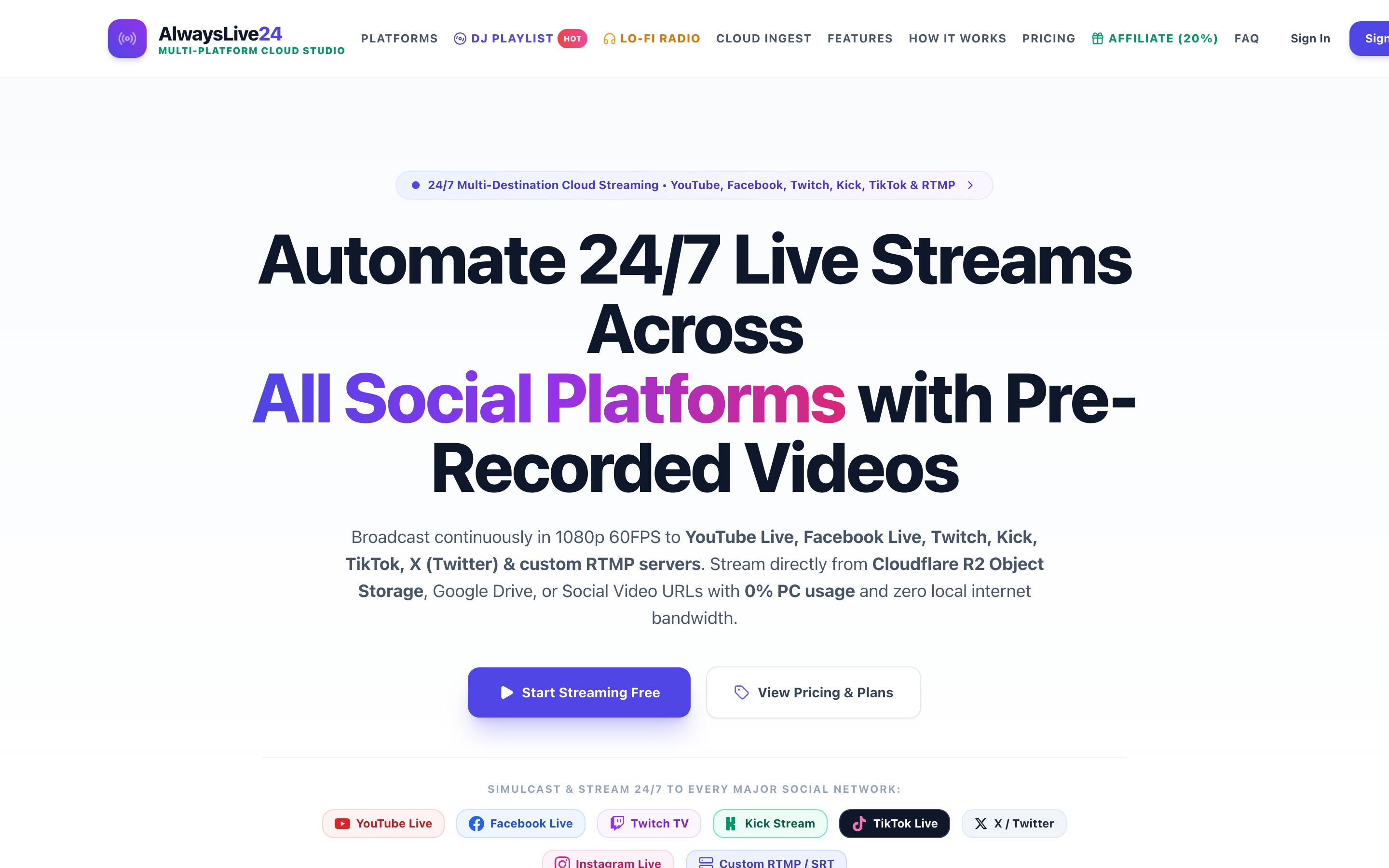
Figure 1: AlwaysLive24 transparent multi-currency pricing plans offering flexible daily passes and budget-friendly creator tiers.
2. Instant Streaming via Direct URL (Zero PC Disk Space Used)
On OneStream, whenever you want to stream a 5-hour video that is already published on your YouTube channel, you have to use a third-party downloader, save a 12GB file onto your laptop hard drive, and then re-upload it back to OneStream.
With AlwaysLive24's Direct Video Link feature:
- Copy any public video link from YouTube, Facebook, or a direct MP4/MKV URL.
- Paste it into AlwaysLive24.
- Our cloud infrastructure extracts the video directly on ultra-fast 1 Gbps datacenter lines. 0 MB of your computer's disk space and 0 MB of your home internet bandwidth are used.
3. Enterprise Cloudflare R2 Storage Vault
AlwaysLive24 integrates directly with Cloudflare R2 Object Storage. Unlike OneStream's restrictive gigabyte caps that trigger expensive storage upgrades, AlwaysLive24 stores and serves your broadcast assets across globally distributed edge locations with zero egress bandwidth fees.
4. Automated 24/7 Stream Recovery
What happens if YouTube's ingest servers undergo a scheduled reset at 4:00 AM? On desktop streaming tools and budget web hosts, your stream disconnects and terminates permanently.
AlwaysLive24 runs a dedicated Watchdog Reconnect Loop. If an RTMP endpoint drops connection, our cloud container automatically retries and resumes broadcasting within milliseconds—keeping your live broadcast running smoothly 24 hours a day, 365 days a year.
Figure 2: Real-time broadcast telemetry on AlwaysLive24 showing 100% cloud health, real-time bitrate metrics, and auto-recovery status.
5. Built-in Multi-Destination RTMP (YouTube, Facebook, Twitch & Kick)
Why limit your audience to a single platform? AlwaysLive24 allows you to stream to your primary YouTube channel and simultaneously broadcast to Facebook Pages, Twitch, or custom RTMP destinations from one unified dashboard—without paying extra add-on fees.
How to Switch to AlwaysLive24 in 3 Simple Steps
Transitioning from OneStream Live or desktop OBS to AlwaysLive24 takes less than 2 minutes:
Figure 3: Creating a new stream slot on AlwaysLive24: paste video link, toggle 24/7 loop, and add your destination RTMP keys.
- Create Your Account: Sign up at app.alwayslive24.com using one-click Google login (no credit card required).
- Paste or Upload Your Video: Enter a direct video URL (YouTube/Facebook/MP4) or upload your video file to your personal cloud gallery.
- Enter RTMP Keys & Go Live: Paste your YouTube or Facebook Stream Key, check Loop Stream (24/7 Infinite Loop), and click Start Live Stream.
Once your dashboard indicates LIVE, you can shut down your PC, close your laptop lid, and go about your day while our cloud servers broadcast non-stop.
Frequently Asked Questions (FAQ)
Is AlwaysLive24 really 50% to 90% cheaper than OneStream Live?
Yes! OneStream charges $39/month (~₹3,250/mo) for 24/7 looping. AlwaysLive24 provides full 24/7 Creator Pro streaming starting at just ₹149/month (or ₹69 for a single 24-hour Day Pass), saving creators hundreds of dollars every year.
Can I stream directly from a YouTube video URL on AlwaysLive24?
Yes! Unlike OneStream, which requires manual video file uploads from your PC hard drive, AlwaysLive24 allows you to paste any public YouTube or Facebook video URL. Our cloud servers extract and stream the feed directly with zero consumption of your local disk space.
Do I need to leave my laptop or computer on while streaming?
No! All encoding and broadcasting take place inside dedicated cloud containers. Once you click "Start Live Stream", you can close your browser tab, shut down your computer, or disconnect from Wi-Fi without interrupting your broadcast.
Can I stream to multiple destinations simultaneously?
Yes, AlwaysLive24 supports Multi-Destination RTMP broadcasting. You can stream to YouTube, Facebook Live, Twitch, and custom RTMP servers at the exact same time from a single active stream slot.
Switch to the #1 OneStream Live Alternative Today
Cut your cloud streaming costs by more than half while unlocking direct video link streaming, 24/7 infinite looping, and multi-RTMP broadcasting.