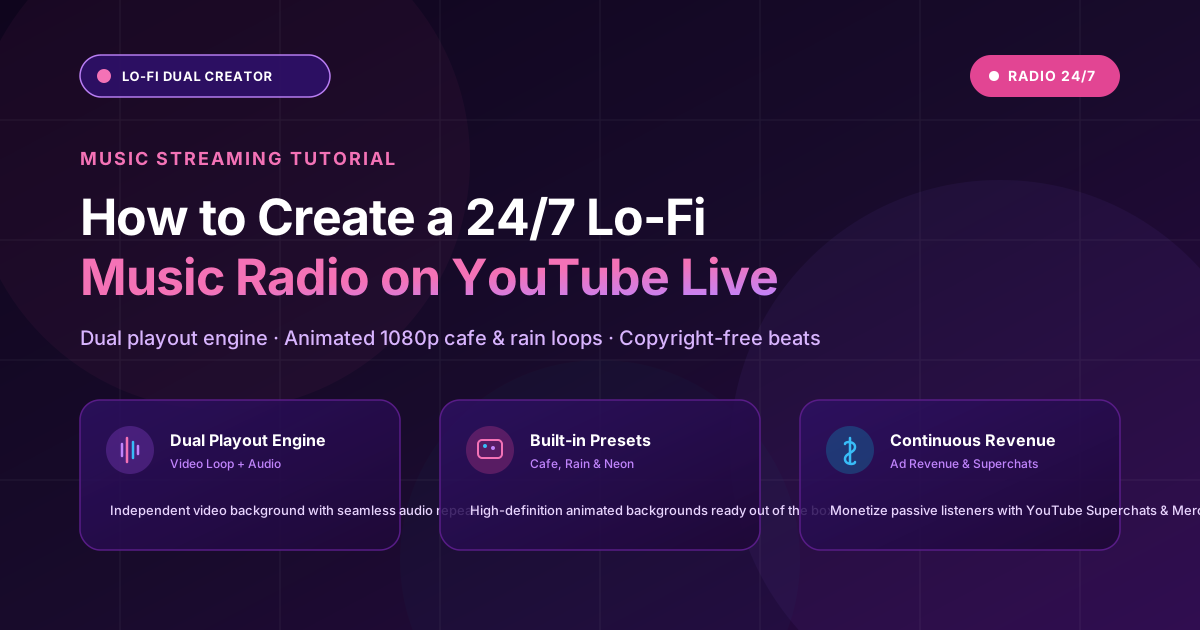
Channels like Lofi Girl make millions of dollars broadcasting continuous chill music streams. With AlwaysLive24's Lo-Fi Dual Creator Engine, you can build your own 24/7 Lo-Fi radio station directly in your browser.
1. Sourcing Copyright-Free Lo-Fi Music & Loops
Use royalty-free samples or your own music production. AlwaysLive24 includes built-in Lo-Fi sample audio loops (Rain Lounge, Cozy Cafe, Neon Dreams) to get started immediately.
2. Selecting Animated Backgrounds
Choose from AlwaysLive24's pre-rendered 1080p looping backgrounds (Cozy Cafe, Rainy Window, Cyberpunk Night, Relax Studio) or upload your custom MP4 loop.
3. Continuous Playout Without Drops
The dual playout engine continuously synthesizes the video background and queues audio tracks sequentially with auto-repeat.