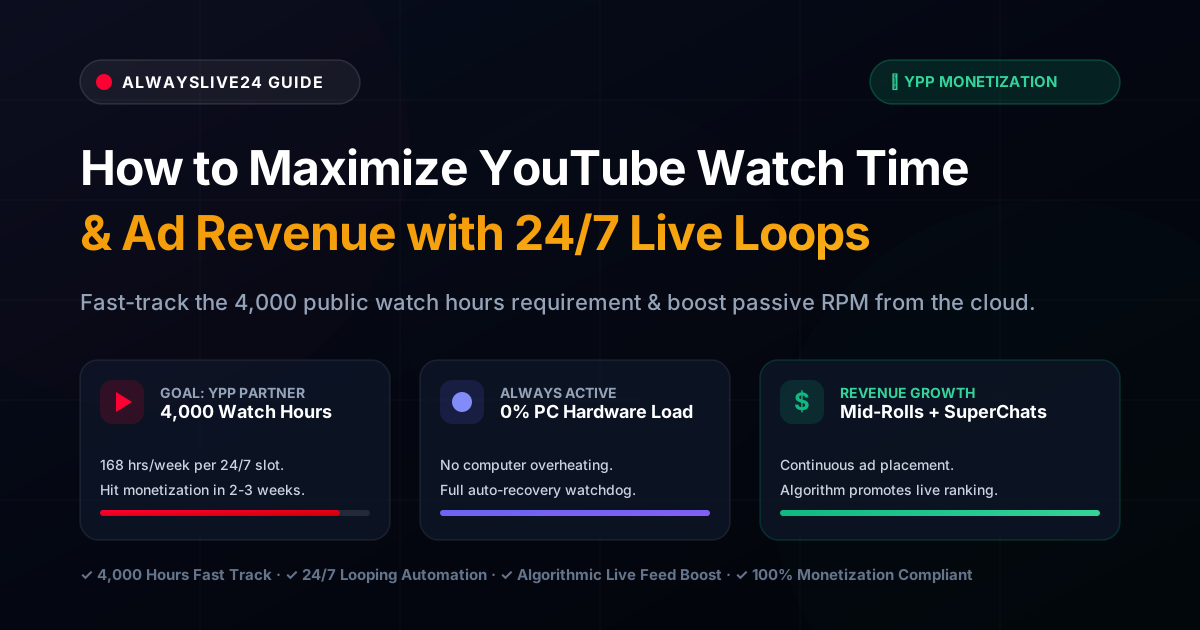
For every aspiring content creator on YouTube, the journey to monetization is defined by a single, daunting milestone: 4,000 valid public watch hours within 12 months alongside 1,000 subscribers for the YouTube Partner Program (YPP). Reaching this threshold through standard video uploads often takes months—if not years—of grueling production schedules, algorithm fluctuations, and inconsistent view counts.
However, the most successful media channels, music labels, gaming creators, and educational publishers utilize an organic growth engine that operates around the clock: 24/7 cloud live stream loops. By broadcasting pre-recorded, evergreen content continuously from a dedicated cloud server like AlwaysLive24, creators accumulate hundreds of watch hours daily, unlock immediate algorithmic priority in YouTube Live recommendations, and create an automated monetization flywheel—all without keeping a home computer powered on.
In this comprehensive guide, we break down the exact mathematics of 24/7 watch time accumulation, the mechanics of YouTube’s recommendation algorithm for live broadcasts, and a step-by-step blueprint to launch your own continuous monetization stream in under five minutes.
1. The Mathematics of 24/7 Streaming: Why Standard Uploads Can’t Compete
To appreciate why continuous cloud streaming is the fastest path to YouTube monetization, consider the simple arithmetic of audience watch time.
| Metric / Strategy | Standard Video Upload (10 Mins) | 24/7 Live Stream Loop |
|---|---|---|
| Available Broadcast Window | On-demand (User must actively search or click) | 168 Hours per Week (Non-Stop 24/7) |
| Average View Duration (AVD) | 3 – 4 minutes per viewer | 22 – 45+ minutes per session |
| Views Needed for 4,000 Hours | ~60,000 to 80,000 individual video views | Only ~24 concurrent viewers for 1 week! |
| Hardware / PC Requirement | Local PC used for editing/exporting | 0% PC Hardware Load (Isolated Cloud VPS) |
| Ongoing Algorithm Exposure | Decays after 48-72 hours post-publish | Continuous "LIVE NOW" badge visibility |
Consider the math: If a single 24/7 stream maintains an average of just 25 concurrent viewers throughout the day:
- 25 viewers × 24 hours = 600 watch hours per day
- 600 hours × 7 days = 4,200 watch hours in just one single week!
What normally requires six months of regular uploading can theoretically be completed in seven days of consistent, high-retention cloud playout. And once monetized, that exact same stream transforms into a 24/7 ad revenue and SuperChat generator.
2. How the YouTube Algorithm Treats 24/7 Live Streams in 2026
YouTube’s recommendation system prioritizes real-time user engagement. When a channel is actively broadcasting live, multiple organic ranking advantages kick in automatically:
- The "LIVE" Red Badge Advantage: Your channel icon and stream thumbnail display prominent red "LIVE" indicators across user subscription feeds, search results, and suggested video sidebars. This dramatically increases click-through rate (CTR) compared to static video thumbnails.
- Priority Placement in Dedicated Live Hubs: The YouTube mobile app and smart TV interfaces feature prominent Live category filters where active broadcasts receive top positioning above standard on-demand videos.
- Extended Session Retention: Because live streams often serve as background entertainment (such as study music, relaxation ambient visuals, gaming replays, or podcasts), individual viewers frequently leave streams running in background tabs for hours. The algorithm recognizes this exceptionally high retention and pushes the stream to broader lookalike audiences.
- Real-Time Chat Engagement Signals: Active live chat signals intense audience interaction. Viewers sending greetings, interacting with live chat polls, or dropping comments tell the neural network that the broadcast is retaining an active community.
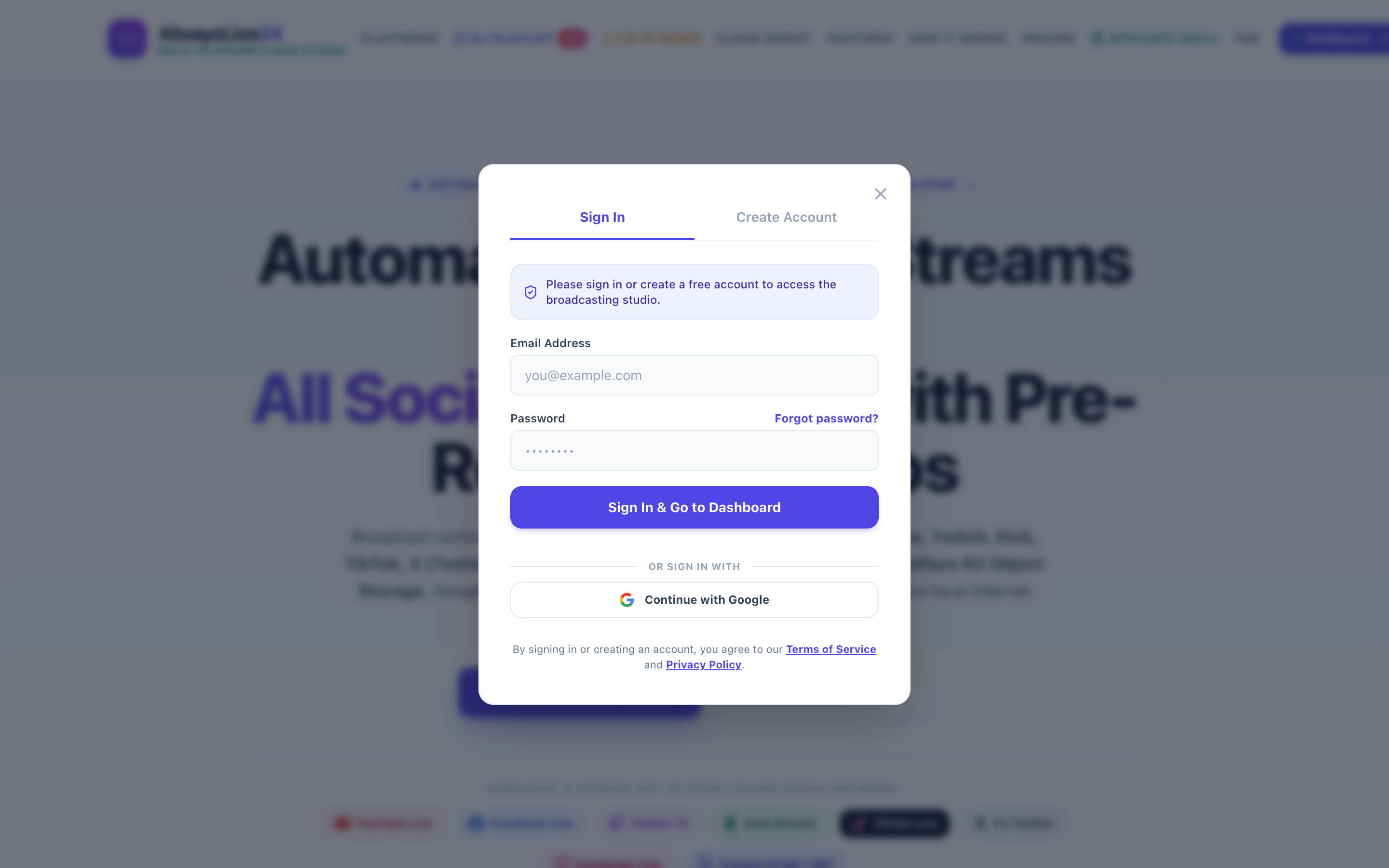
Figure 1: AlwaysLive24 Live Mission Control monitoring continuous 24/7 stream slots with active telemetry, 30 FPS broadcast health, and 0% local computer load.
3. High-Converting Content Formats for 24/7 Live Loops
Not every video is suitable for a continuous 24/7 loop. The most successful channels build broadcasts around content formats that naturally encourage passive, extended listening and repeat viewing:
🎵 Lo-Fi & Ambient Chill Radio
Continuous chill beats, study beats, or relaxing instrumental loops paired with an aesthetic looping animation. Viewers keep these streams open for 4 to 8 hours while studying, programming, or sleeping.
🧘 Meditation, White Noise & Sleep Audio
Rain sounds, fireplace crackling, ocean waves, or guided mindfulness tracks. These niches boast some of the highest Average View Durations (AVD) on the entire internet.
🎮 Gaming Highlights & Esports Replays
Compilation loops of your best gameplay moments, funny clips, tournament replays, or community matches. Engaged gaming audiences actively chat and interact with other fans.
📚 Educational Lectures & Devotional Chants
Religious prayers, mantras, history podcasts, coding tutorials, or public domain archives. Highly loyal communities tune in daily at specific prayer or study hours.
For a detailed walkthrough on setting up audio loops with animated backgrounds, explore our specialized guide on How to Create a 24/7 Lo-Fi Music Radio Live Stream on YouTube.
4. Step-by-Step: How to Launch Your 24/7 Monetization Stream in 5 Minutes
Running a continuous live stream used to require an expensive dedicated desktop PC running OBS Studio 24 hours a day, leading to hardware overheating, high electric bills, and inevitable internet disconnects. With cloud playout software like AlwaysLive24, the entire broadcast runs inside isolated cloud data centers.
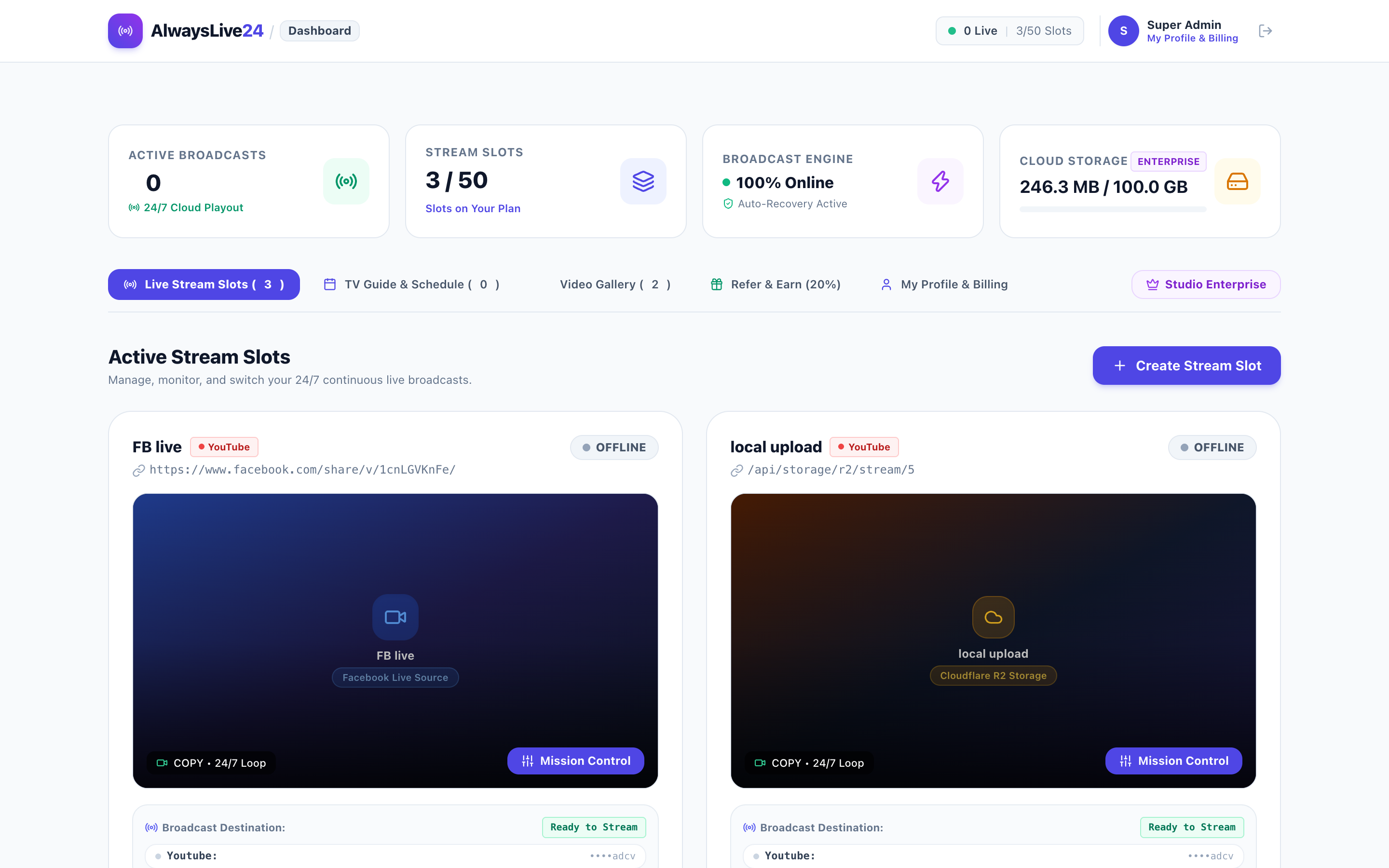
Figure 2: The AlwaysLive24 Stream Creation Studio. Simply input your YouTube Stream Key, select your video, and check "Loop Stream (24/7 Infinite Loop)".
Follow these four simple steps to get started:
Step 1: Obtain Your YouTube Live Stream Key
- Log into YouTube Studio.
- Click the red Create icon in the top right corner and choose Go Live.
- In the Live Stream Dashboard, locate your Stream URL (default:
rtmp://a.rtmp.youtube.com/live2) and copy your private Stream Key. - Tip: For detailed instructions on managing persistent keys, check our guide on How to Go Live on YouTube Studio Step-by-Step.
Step 2: Add Your Video to AlwaysLive24 Cloud Storage
In your AlwaysLive24 dashboard, you can upload video files directly from your device, import from Google Drive, or connect pre-rendered loops. AlwaysLive24’s automated video optimizer checks broadcast compliance in the background, ensuring 0% CPU direct-copy streaming without quality loss.
Step 3: Enable the "Loop Stream (24/7 Infinite Loop)" Toggle
Inside the stream configuration window, enter a descriptive title, select YouTube as your platform, paste your Stream Key, and check the Loop Stream (24/7 Infinite Loop) box. Optionally, upload your channel logo to enable real-time watermark overlay branding across your broadcast.
Step 4: Click "Start Live Broadcast" and Shut Down Your Computer
Once you click start, our high-speed NVMe cloud engine initializes the broadcast with sub-second handshake latency. Your stream immediately appears live on YouTube. You can now safely close your browser, turn off your laptop, or disconnect from the internet. The cloud engine broadcasts 24 hours a day, 7 days a week with zero interruption.
5. Monetizing Your 24/7 Stream Once You Hit YPP
Reaching the 4,000 watch-hour threshold is only the first phase. Once your channel is accepted into the YouTube Partner Program, your 24/7 live stream transforms into a diversified revenue stream:
1. Automated Mid-Roll Ad Placement
YouTube allows automated mid-roll ads during live broadcasts. Setting ad frequency to 10–15 minute intervals ensures consistent monetization without severely disrupting viewer engagement.
2. Super Chats & Super Stickers
Live chat encourages community interaction. Regular viewers often highlight their messages via paid Super Chats, contributing direct creator revenue during gaming, study, or Q&A sessions.
3. Pinned Affiliate Links & Merch Drops
Pin your high-converting affiliate links, digital course offerings, merchandise store, or Patreon link at the top of the live chat for continuous commercial conversions.
6. Crucial YouTube Compliance & Community Guidelines
To ensure your channel remains in good standing and safely secures monetization approval, follow these critical broadcast policies:
- 100% Rights to Video & Audio: Never broadcast copyrighted commercial music or third-party television clips. Utilize royalty-free music catalogs (such as YouTube Audio Library, Epidemic Sound, or original audio) to avoid Content ID claims or demonetization.
- Avoid Low-Quality Static Loops: Ensure your looped video has sufficient visual movement (such as ambient lighting shifts, animated characters, particle effects, or ticker headlines) rather than a completely still single image with static text.
- Engage with Your Live Chat: Periodically moderate your live chat, host community polls, or pin informative messages. An active, healthy chat room signals to YouTube’s automated systems that real viewers are actively participating.
- Multi-Platform Ingest: If you want to multiply your reach across multiple platforms simultaneously, read our tutorial on How to Restream Free to YouTube & Facebook Simultaneously.
7. Transparent Pricing: Start for Free or Scale with Creator Pro
Unlike legacy cloud platforms like Restream or OneStream that charge to per month, AlwaysLive24 is engineered specifically for independent creators with budget-friendly multi-currency options:
Figure 3: AlwaysLive24 transparent pricing plans featuring 1-Day Pass (₹49 / .99) and Creator Pro (₹149 / .99/mo) with zero credit card requirements.
Free Starter
200 MB Cloud Storage, 1 Continuous Stream Slot, test mode with zero credit card required.
1-Day Pass
24 Hours of full uninterrupted 1080p cloud streaming, watermark-free, instant activation.
Creator Pro
Unlimited 24/7 continuous looping, 5 GB storage, multi-RTMP destinations, 100% automated watchdog recovery.
View Full Pricing Plans & Features →
Frequently Asked Questions (FAQ)
Does watch time from 24/7 live streams count toward the 4,000 hours for YPP?
Yes. Watch time accrued during public live broadcasts counts directly toward the 4,000 public watch hours requirement. Note that when the stream ends, the archived VOD also counts toward your lifetime watch time as long as it remains set to Public.
Can I shut down my computer while the stream is running?
Yes, absolutely. AlwaysLive24 executes the broadcast from isolated high-speed cloud Linux servers. Your personal PC, laptop, or phone does not need to stay on or connected to the internet.
How does AlwaysLive24 compare to running OBS Studio locally?
Running OBS Studio locally requires continuous power, a stable high-speed home internet uplink, and causes severe thermal wear on your computer hardware. AlwaysLive24 eliminates local hardware wear completely with 99.9% cloud uptime. For a complete comparison, read our guide on How to Stream on YouTube Without OBS.
What happens if my stream disconnects?
AlwaysLive24 features an integrated automated watchdog that monitors RTMP connection health every 5 seconds. If a temporary network glitch occurs, the system automatically reconnects without human intervention.
Ready to Fast-Track Your 4,000 YouTube Watch Hours?
Launch your first 24/7 live stream loop in less than 5 minutes on the AlwaysLive24 cloud platform. No credit card required to start.