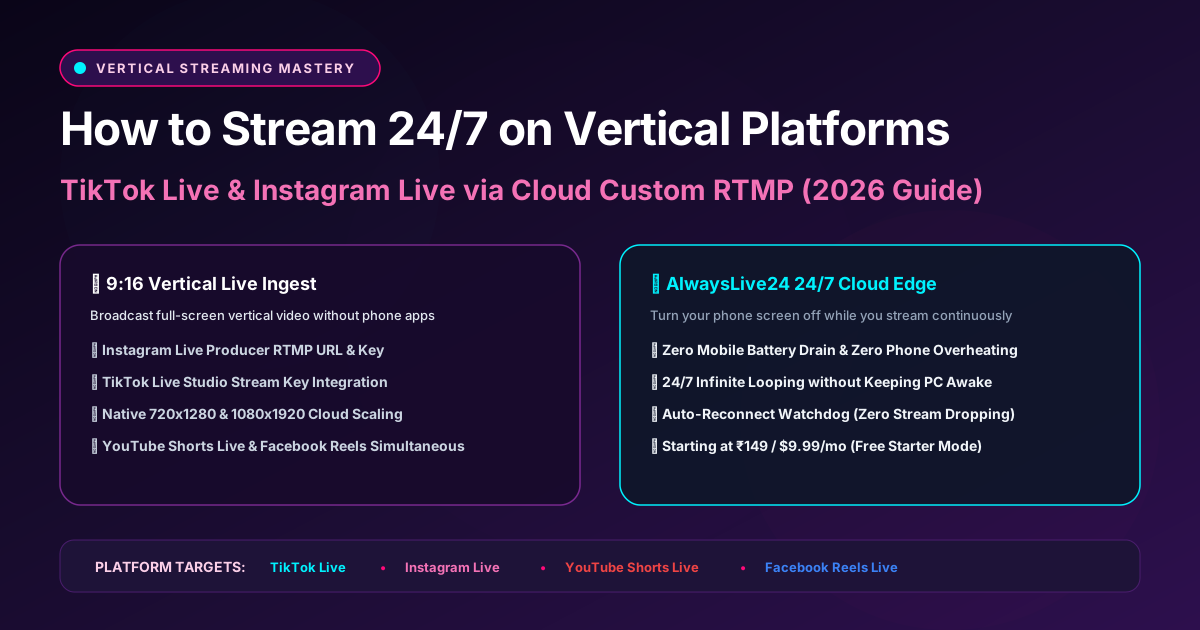
Vertical video is the undisputed king of organic social reach in 2026. With over 2.8 billion mobile users consuming content in 9:16 portrait mode on TikTok, Instagram Reels, and YouTube Shorts, streaming 24/7 in full-screen vertical format produces 4x to 10x higher algorithm recommendations than traditional 16:9 widescreen streams.
However, streaming from a phone causes immediate battery degradation, screen burn-in, and drops whenever you receive a notification or switch apps. In this guide, you will learn how to broadcast pre-recorded vertical videos 24/7 to TikTok Live and Instagram Live using AlwaysLive24's Cloud Ingest—allowing you to turn your phone off while your stream runs continuously.
1 Why 24/7 Vertical Live Streams Are Booming in 2026
Unlike landscape live streams that require viewers to rotate their phones or sit at a desktop, vertical live streams seamlessly integrate into the TikTok "For You" feed and Instagram Live tray:
Users scroll directly into your active stream while browsing their feed, providing instant viewer volume without requiring thumbnail clicks.
TikTok and Instagram Live algorithms prioritize channels that broadcast consistently, awarding live badges and virtual gifting prompts.
By offloading the broadcast to AlwaysLive24 cloud servers, your phone remains cool, fully charged, and available for everyday personal use.
2 How to Obtain Your Instagram & TikTok RTMP Stream Keys
Instagram Live Producer (Desktop Web)
1. Open Instagram.com on your computer browser and click the Create (+) button.
2. Select Live video and enter your stream title.
3. Instagram will provide your Stream URL (typically rtmps://live-upload.instagram.com:443/rtmp/) and unique Stream Key.
TikTok Live Studio / Creator Center
1. Head to TikTok Live Creator Hub or open TikTok Live Studio.
2. Navigate to Stream Settings to locate your Server URL and Stream Key.
3. If your account has RTMP Live permissions enabled, you can copy the credentials directly into AlwaysLive24's Custom RTMP field.
3 AlwaysLive24 Setup: 9:16 Vertical Video Playout in 3 Steps
Ready to Dominate Vertical Feeds?
Start broadcasting pre-recorded vertical videos 24/7 on Instagram Live, TikTok & YouTube Shorts with zero phone drain. Plans start at just ₹49 ($1.99) for 1-Day Pass or ₹149 ($9.99/mo) for Creator Pro.