Broadcasting live at prime-time hours (e.g. 8:00 PM EST or 9:00 PM IST) often conflicts with family dinners, international travel, or sleeping hours. Manually sitting at your computer to press "Go Live" at odd hours leads to missed opportunities, delayed broadcasts, and creator burnout.
In 2026, professional media houses and savvy solo creators use automated cloud playout schedulers. With AlwaysLive24's Visual TV Calendar Scheduler, you can queue, schedule, and automate an entire week or month of YouTube and Facebook broadcasts in advance—with per-second automated triggers and zero local computer uptime.
1 How the AlwaysLive24 TV Calendar Scheduler Works
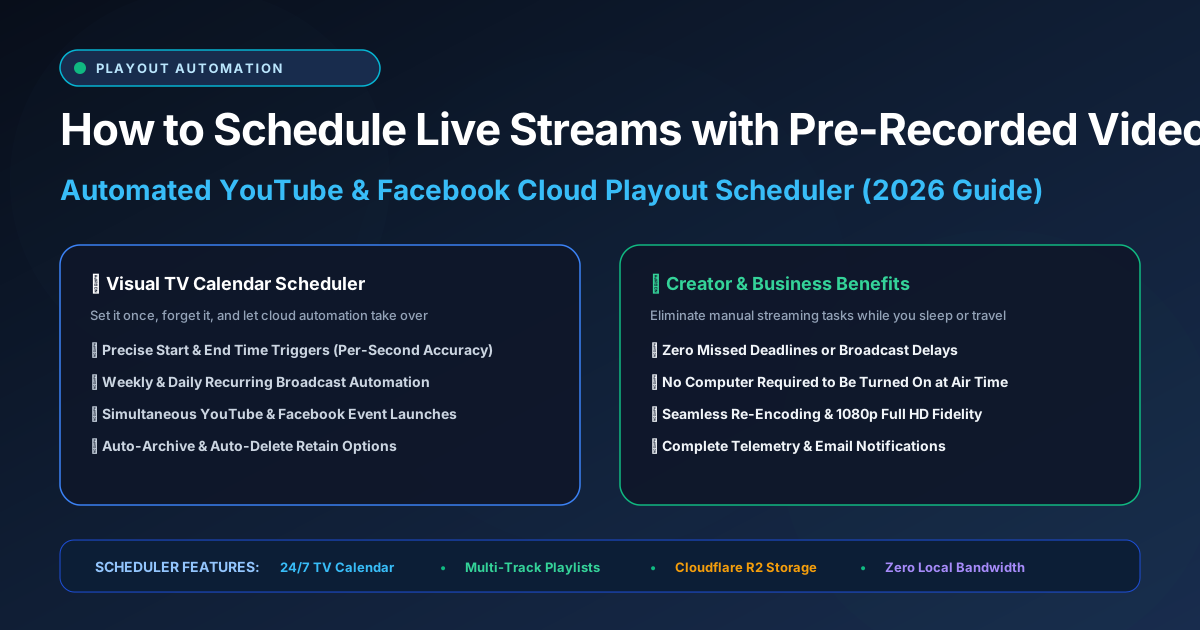
The Visual TV Calendar operates like a television network playout system. Instead of single-file manual launches, creators can assign specific video assets or multi-track DJ playlists to specific date and time blocks:
Visually assign morning shows, afternoon webinars, or overnight Lo-Fi loops directly on a weekly calendar grid.
Cloud servers initialize ffmpeg encoders 15 seconds prior to broadcast time, ensuring your stream starts at the exact second advertised.
Simultaneously trigger scheduled broadcasts across YouTube, Facebook Pages, Twitch, and Kick without separate manual logins.
2 Step-by-Step: Scheduling a Pre-Recorded Stream in Advance
Step 1: Create a Scheduled Event in YouTube Studio / Facebook Producer
Create an upcoming Live event in your platform dashboard. Set the date and title, and copy the Stream Key associated with the scheduled event.
Step 2: Configure Broadcast Timing in AlwaysLive24
In AlwaysLive24, select your video file or playlist, paste your stream key, and choose "Scheduled Broadcast" mode. Pick the exact date, hour, and minute you want the stream to start and conclude.
Step 3: Relax and Let the Cloud Execute
Once confirmed, your scheduled card appears in your dashboard. You can shut down your computer or sleep. When the scheduled timestamp arrives, AlwaysLive24 triggers the ingest, remuxes the feed, and broadcasts live in 1080p full HD.
Automate Your Entire Broadcast Schedule
Unlock the Visual TV Broadcast Calendar Scheduler and unlimited automated time-slot broadcasts on AlwaysLive24 Creator Pro (₹149 / $9.99/mo).